Pages for this project
The home page
The home page is where you will mostly be when using SplameiPlay. Your 3 most recently played projects, your favourite projects and all your projects will be displayed here
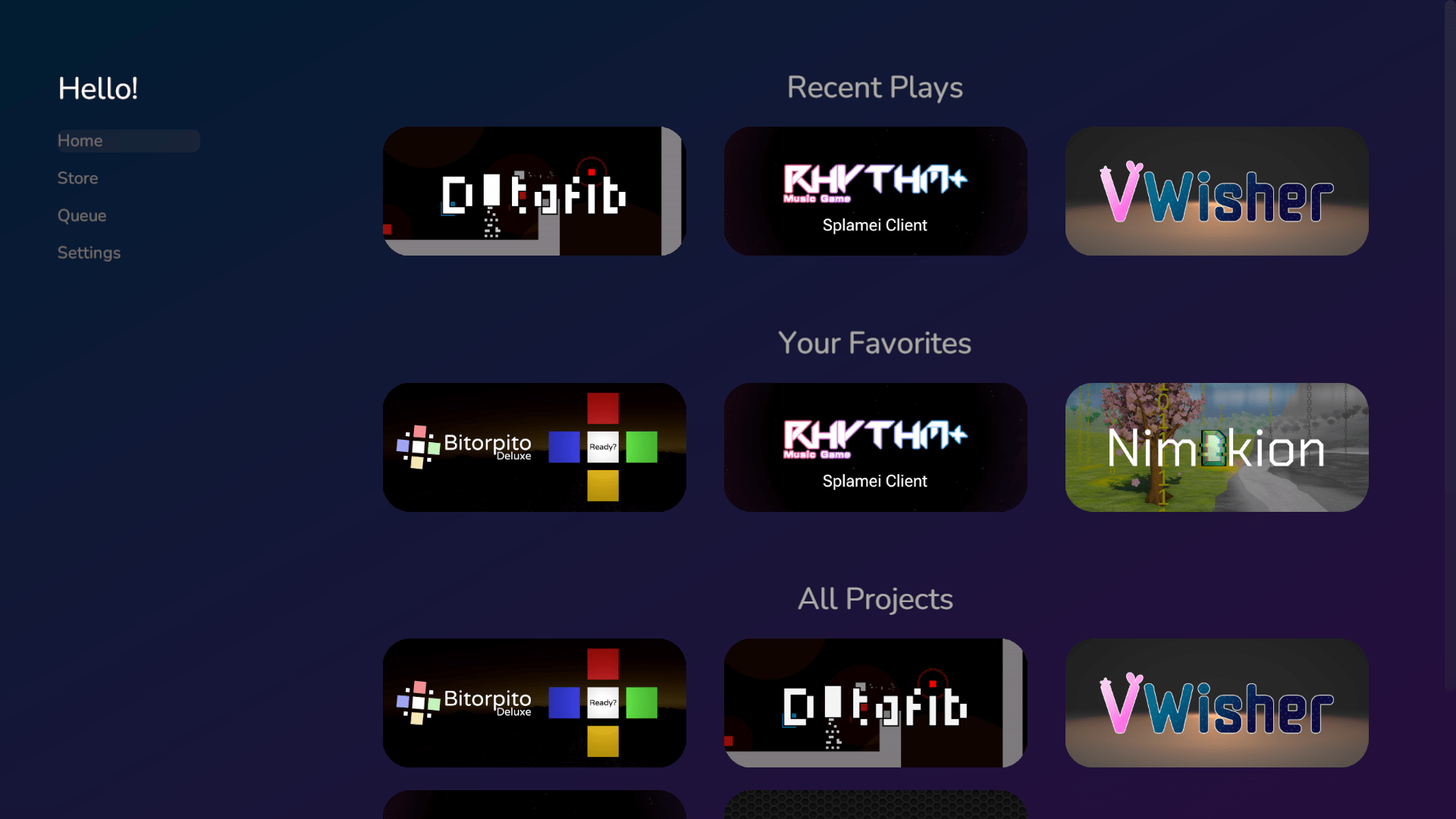
You can press on the button for a project to open it’s project page or use the side bar to change to one of the other screens on this page.
Store Page
The store page is where you can download native projects built into SplameiPlay. Like with the home page, you can press the project’s button to open it’s project page. More projects will be added in future releases of SplameiPlay so watch out for that!
Queue Page
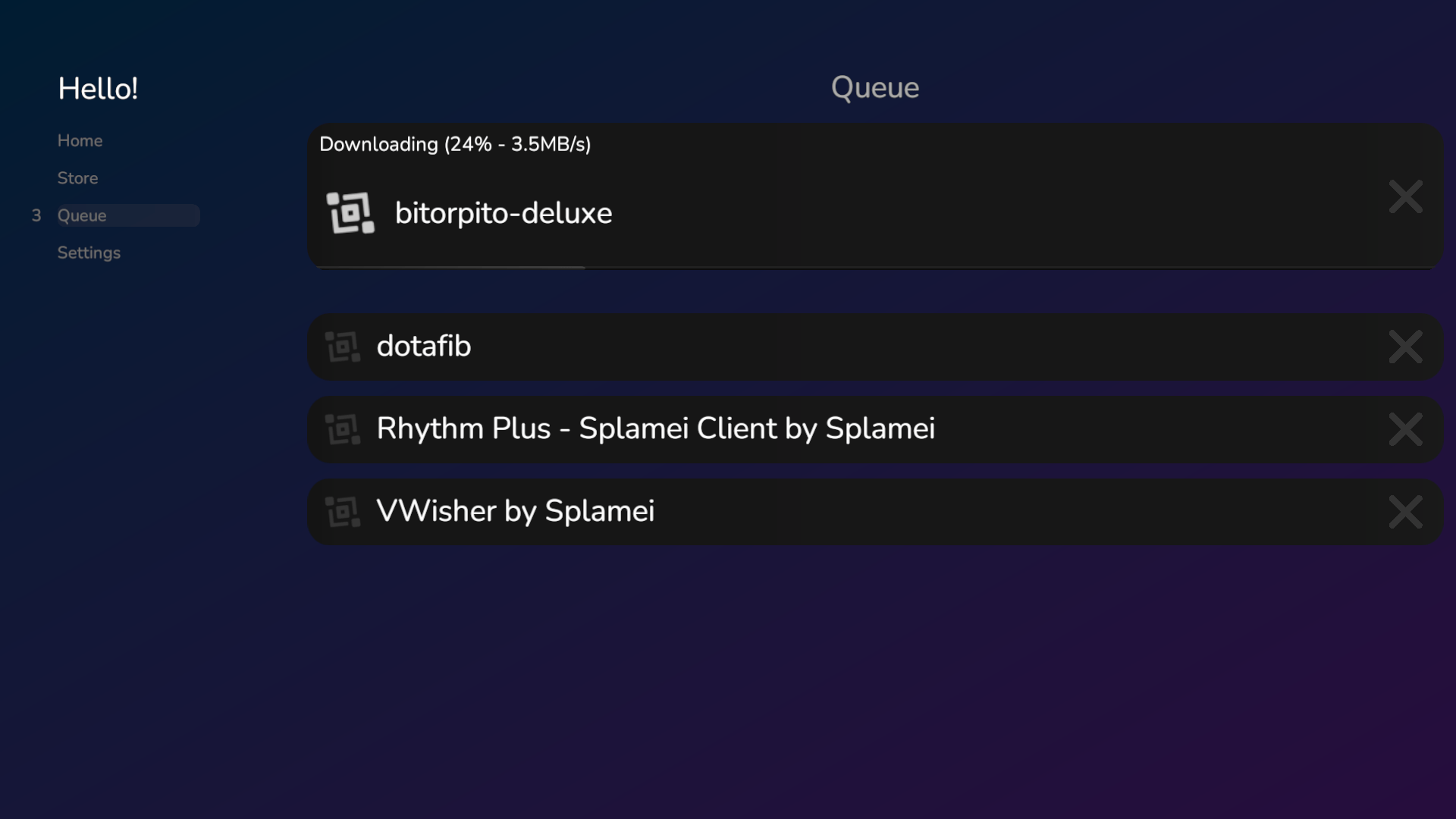
When installing projects, you can see all of them via the queue page. It allows you to quickly see the progress, download speed, projects in the queue. You can also remove them from the queue and cancel their install by pressing the cross.
Settings
The settings page, as you can guess, allows you to configure how SplameiPlay acts and how it works. For information on the settings, please check out the page on them all.