Pages for this project
- General
- Administrators
- Developers
Installing a project
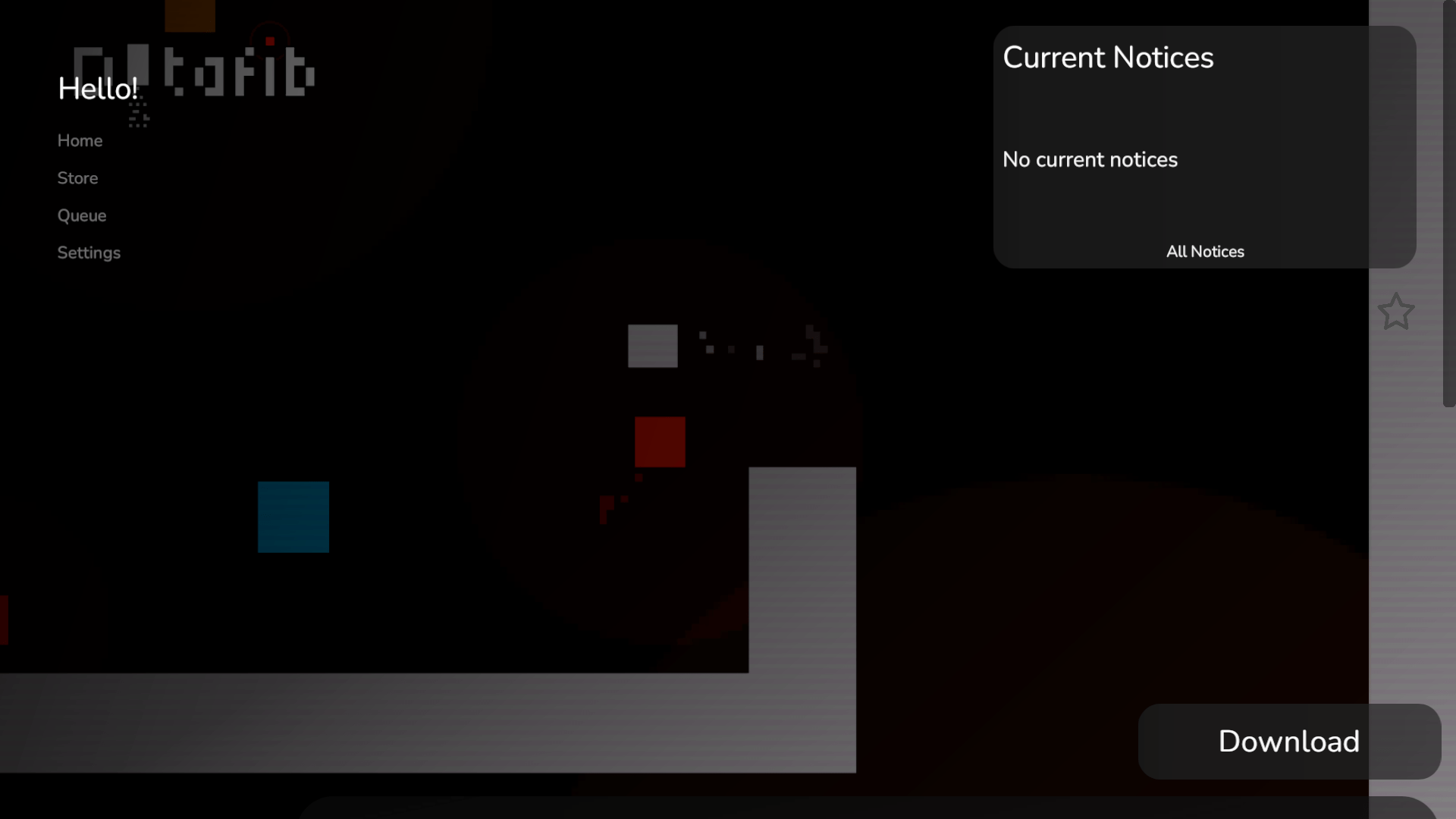
When on the page for a project, press the download button on the bottom right of the screen. SplameiPlay will the start download and install the project. You may not be able to install the project if the project is broken or the project can’t be downloaded (such as being unreleased or requiring an action from you)
Some projects will have minimum specifications your device must meet in order to install the project. If you don’t meet the requirements, SplameiPlay will let you know and tell you which requirements you didn’t meet.
Project actions
Launching a project
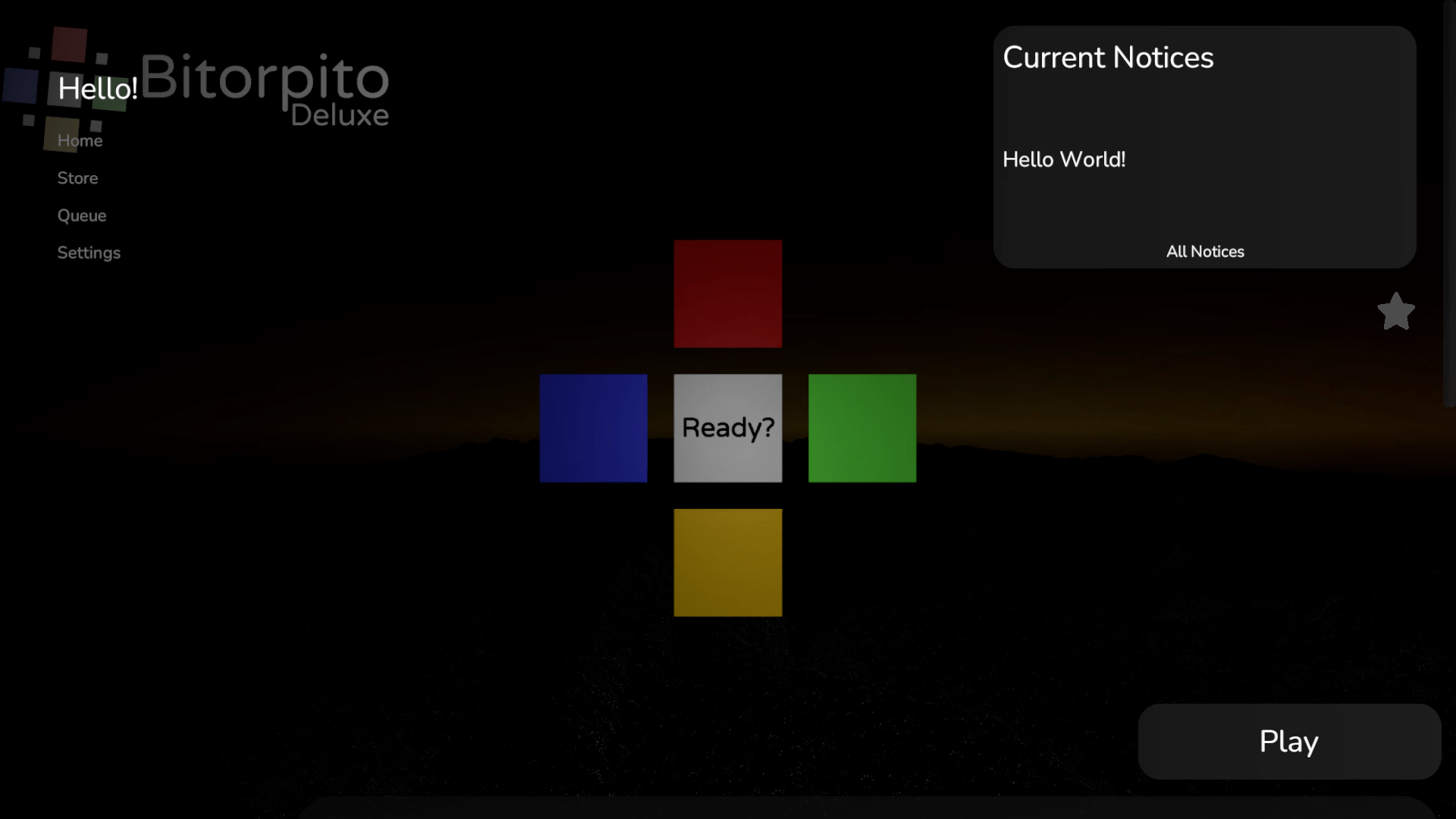
When a project is installed, you can launch a project by pressing the play button. SplameiPlay will then automatically check for updates and if updates were found, install them for you.
On SplameiPlay 5.0 Particle and later, you can also launch projects via the entry in the start menu by searching for the project or finding the ‘SplameiPlay’ folder in all apps
Managing a project
When scrolling to the bottom of a project page, you can press the ‘Manage’ button to configure the project which will be listed below:
You can only manage projects you have installed. Other projects can’t be managed
| Option | Description |
|---|---|
| Boot arguments | Sets the boot arguments that should be used for the project. Most of the time you won’t need to set this |
| Prevent this project from using your global graphic preset | Sets if the project should not use the global graphic preset (not get the boot argument). If the graphic preset was previously set, projects will likely continue to use it. |
| Remake shortcut | Remakes the shortcut in the start menu if it was deleted accidentally |
| Uninstall this project | Uninstalled the project from SplameiPlay and deletes it’s files (if not manually added) |
| Version code | Displays the version code of the project. This is separate from the version of the project and isn’t displayed for details/manually added projects |
Uninstalling a project
To uninstall a project, scroll to the bottom of the project page, press message, and then press the ‘Uninstall this project’ button.
When uninstalling a project, SplameiPlay will delete all the files in the folder where the project was installed and remove it from the app. Detail/manually added projects will have their files remain but details in SplameiPlay removed.